
Manage Products
You can easily add products to your stable. Products are used in the feeding schedule. Click here to learn more about the feeding schedule.
Add product
To add a product, first navigate to "(Manage (Feeding) Products)" from "Settings".
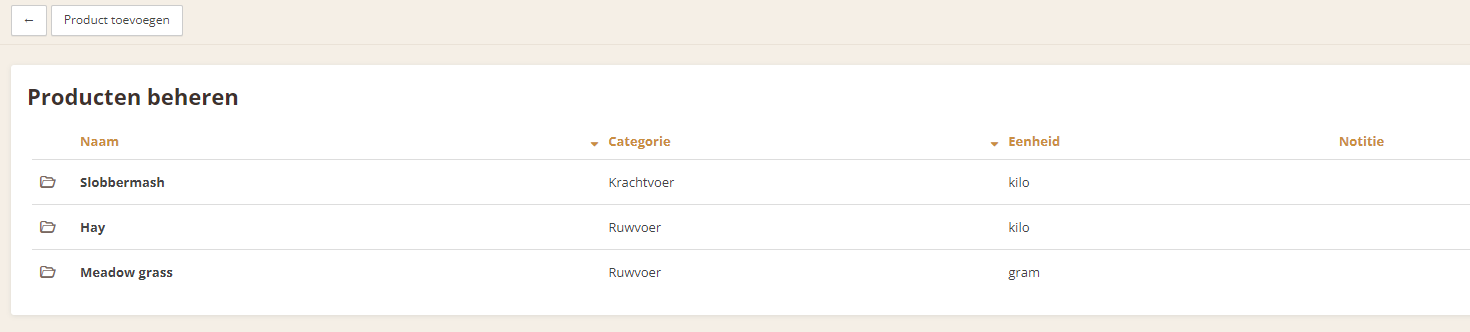
This is the overview of all products. Use the "Add product" button to add a new product.
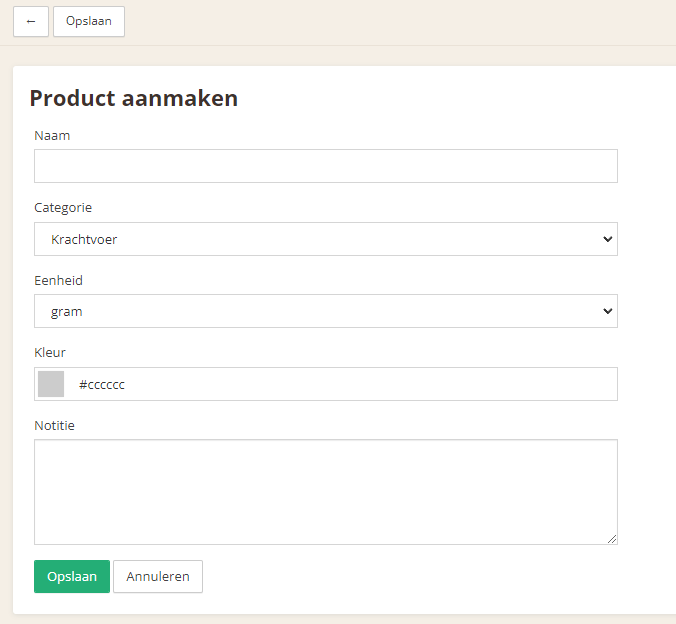
There are several fields:
Name - The name of the product
Category - The category of the feed
Unit - The unit of the product
Color - Assign a color to the product; this color can be seen in the feeding schedule
Note - Any notes for the product
Finally, use the "Save" button to add the product.
Delete product
You can delete a product when, for example, it will no longer be used.
To delete a product, navigate to the product you want to delete through the product overview.
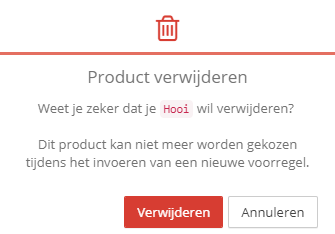
Use the "Delete" button to delete the product. You will be asked to confirm this, and after confirmation, the product will be deleted.