

Mentioning other users
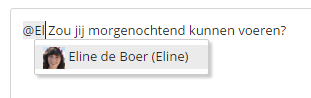
By typing an @ in the message field, you can add someone to your message. After the @, type the username or select it from the drop-down list.
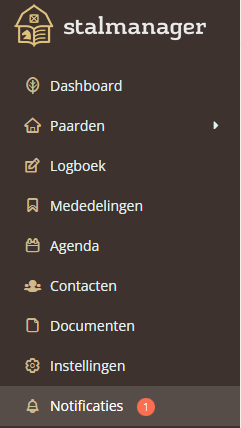
The person you added will receive a notification. New notifications are visible in the main menu. The number of notifications appears next to the bell icon in the menu.
Users can choose whether they want to receive an email when they get a notification. Once this is set up, the user will immediately receive an email containing your message. If you have installed the Stalmanager app on a mobile device, you can also choose to receive push notifications for activities of your choice. You can also choose to receive both emails AND push notifications.

Was this helpful?
Was this helpful?