

Manage horse statuses
A horse's status gives you a quick indication of the horse's current well-being.
In Stalmanager, you can define and apply statuses yourself.
Add status
To add a status, go to " Manage horse statuses" under " Settings".
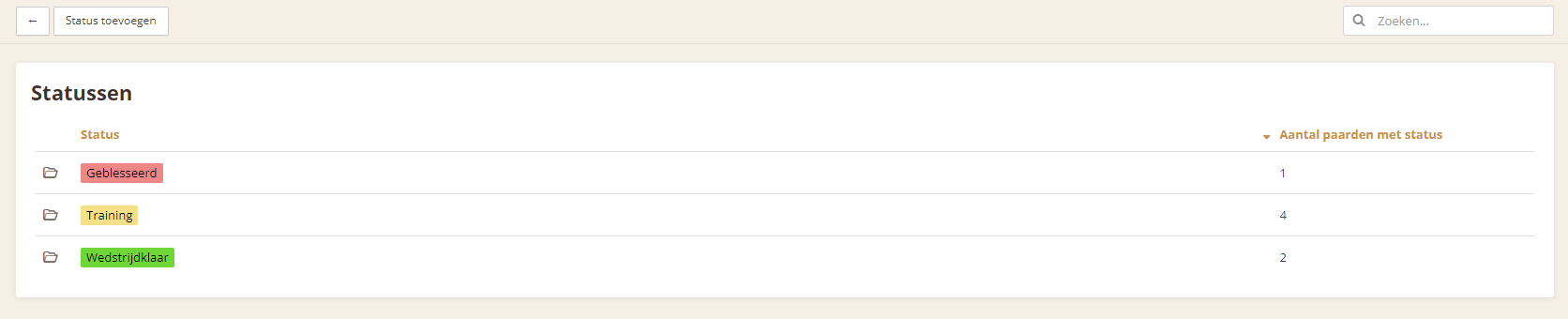
You now have an overview of all existing statuses.
To add a status, use the " Add status" button.
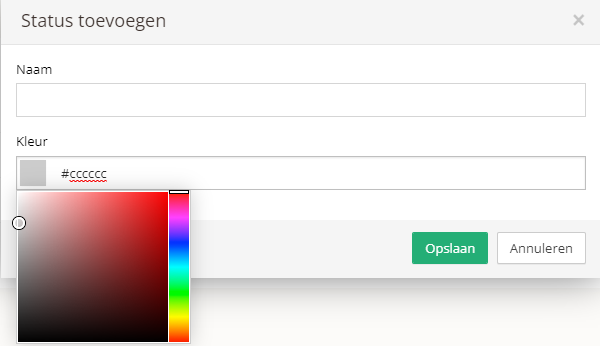
You only need to add the name of the new status. You can also add a color if you wish; this is useful as a quick indicator for statuses. Use the " Save" button to add the status.
Apply status
To apply a status to a horse, go to the overview of statuses. Then click the status you want to apply to the horse. Enter the horse's name in the " Horses" field. Then click the " Save" button to assign the status to the horse.
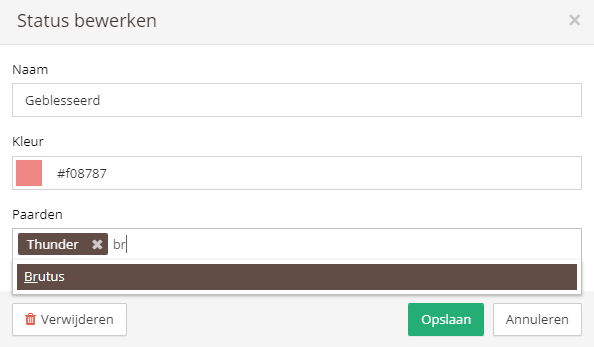
You can also apply the status while adding or editing a specific horse.