

Managing horse groups
With Stalmanager, you can use horse groups. Horse groups allow you to further categorize horses in addition to by breed. For example, you can create horse groups based on location. You can customize horse groups to suit your needs.
Add horse group
To add a horse group, go to " Manage horse groups" via " Settings".
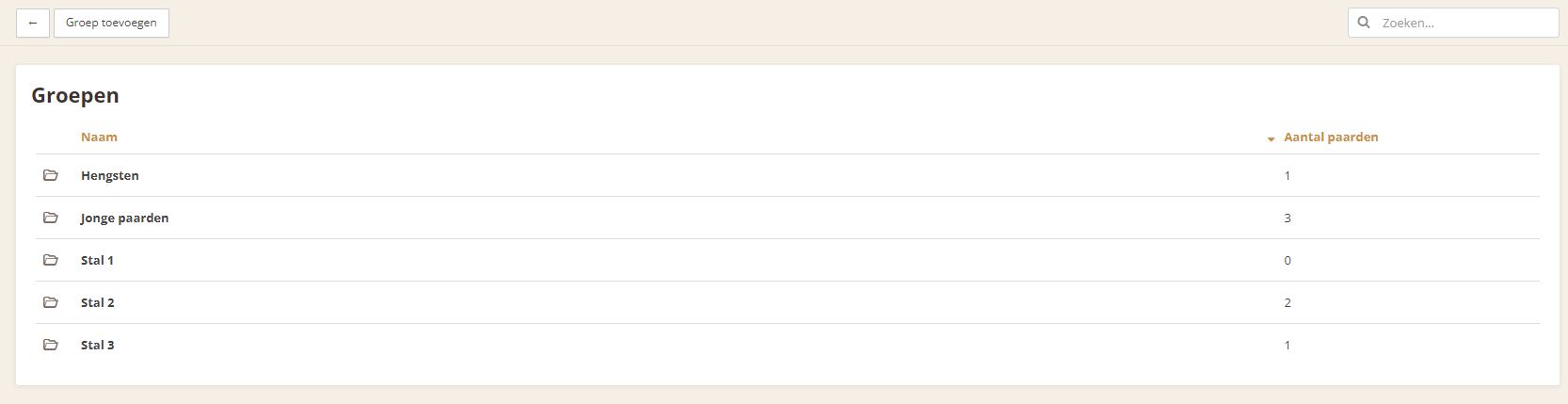
You now have an overview of all existing horse groups.
To add a new horse group, click the " Add group" button.
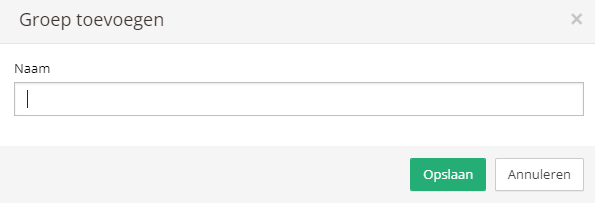
You only need to enter the name of the horse group, then save it using the " Save" button.
Add horses to a horse group
To add horses to a horse group, first click the horse group in the overview of existing horse groups. You can now enter the horse's name in the " Horses" field. After adding it, don't forget to click the " Save" button; the horse is only added after you do this.
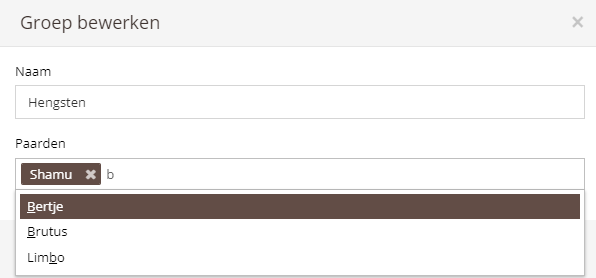
A horse can also be assigned to a horse group when adding or editing the horse.