

Using favorites
We have created favorites especially for common events. With favorites, you can add events to your calendar very quickly.
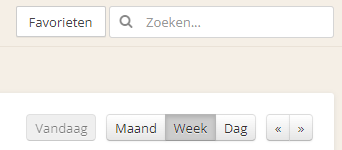
First, make favorites visible by clicking the button at the top right of the calendar.
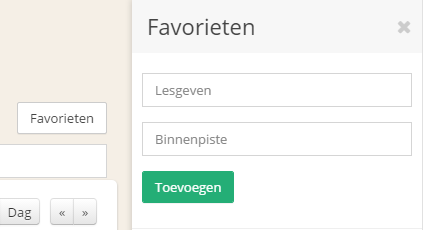
To get started, you need favorites; by default, there are no favorites yet. Enter a name and, optionally, a location, then click Add. For example, enter “Teaching” and the location “Indoor Arena,” then click Add.
After adding a favorite, it is available for use. Drag your favorite onto a calendar to add that event. Once a favorite has been added to a calendar, you can edit it just like any other event.
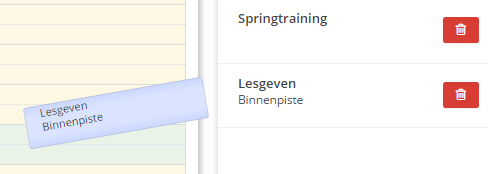
Don't use a favorite as often anymore? You can delete it by clicking the red button.
Was this helpful?
Was this helpful?