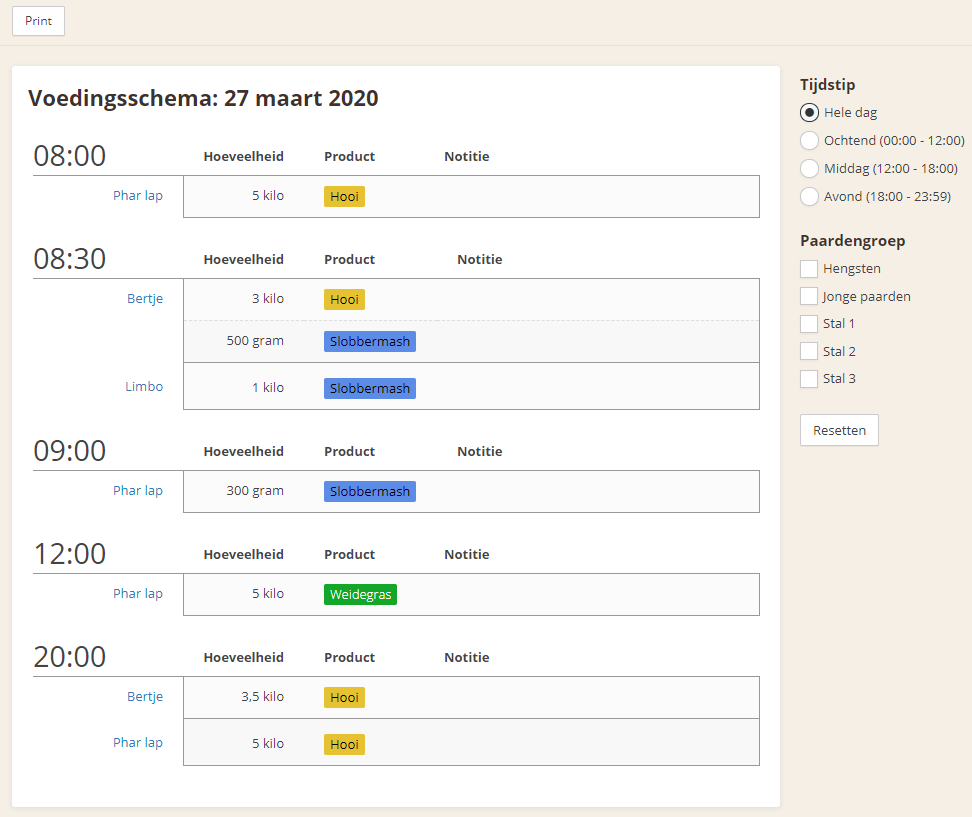

Using the feeding schedule
The Feeding section helps share the horse’s feeding schedule with stable users and track a horse’s feeding routine.
The system assumes that the entered feeding schedule is followed daily. Therefore, there is no need to indicate every day whether a horse has been fed. This assumption is important to keep in mind when entering the schedule.
Feeding rules can also be changed, for example by increasing or decreasing the amount of concentrate feed or changing the brand. Each feeding rule or change will therefore be given a date, so that changes are recorded in the history.
Each feeding rule is based on a product. These products can be created and assigned a color. The color is later carried over to the feeding schedules and printouts, providing a clearer overview when preparing the feed.
Add a rule
To add a rule, go to the Feeding section via the horse. Then click "Add feeding rule". The screen displays a new feeding rule.
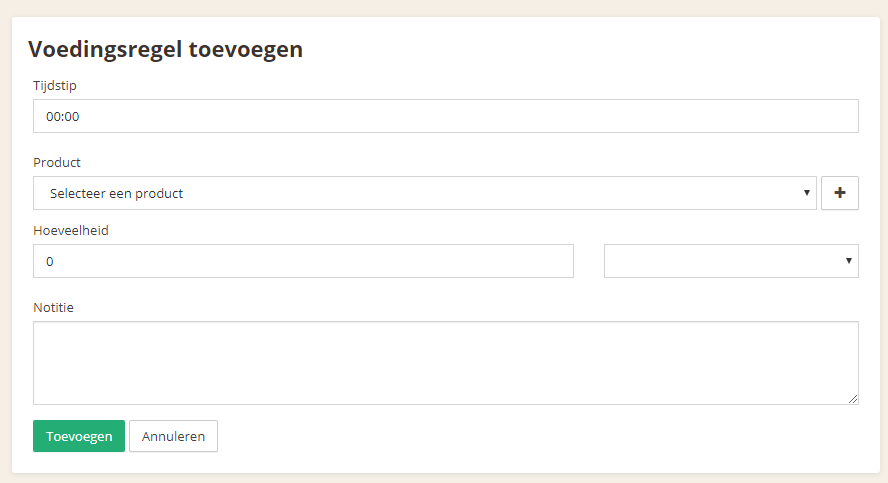
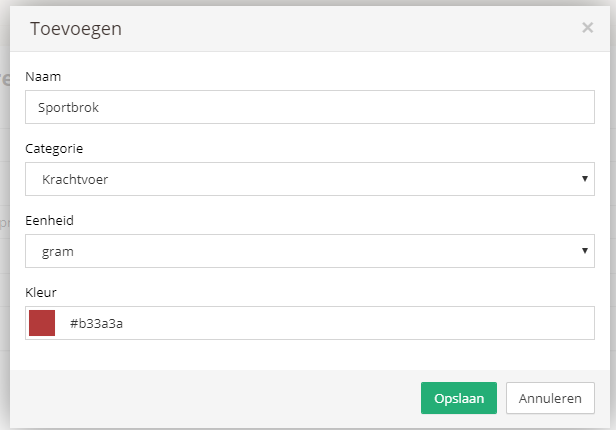
To add a new product, click the + button. Then enter the name, category, unit, and color to add the product. You only need to do this once; after that, you can reuse this product for all horses.
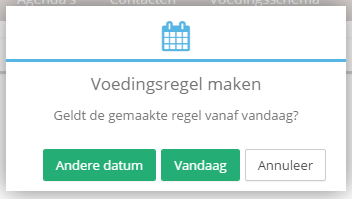
Then enter all the details of the feeding rule and click Save. The system will now ask for the date on which the rule takes effect. You can have a rule take effect from today, in the future, or retroactively in the past. If you are not sure of the exact date, choose today.
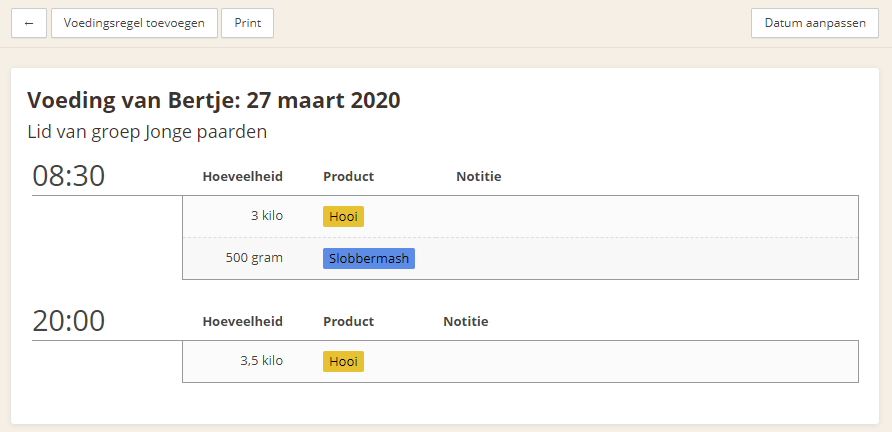
The new rule is now visible in the feeding schedule.
Edit a rule
Feeding rules can be edited, copied, and ended. For all actions, you select the date on which the change takes effect. For example, if a horse switches to more hay in winter, choose Edit and select the effective date, such as next Monday. In this case, the system assumes that the horse receives 3 kilos of hay up to Monday and 3.5 kilos from Monday onward. This happens automatically.
To edit a rule, click the feeding rule and adjust it. After saving, select the effective date. You can easily choose "Today" or another date.

Changes scheduled for the future are displayed with their effective date. On this date, the rule will automatically replace the edited rule.
Copy a rule
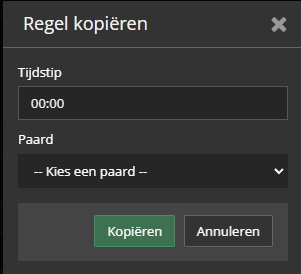
The copy function allows one type of feed to be used quickly at two different times and for another horse. As shown earlier with the hay rules. To do this yourself, click the feeding rule you want to copy and click "Copy". Then choose the new time and, if needed, a new horse, and click the "Copy" button.
Central feeding schedule
All active feeding rules are also visible in the central feeding schedule. Here, you can quickly review what all horses eat at a particular time. This schedule can also easily be printed.