
Contacts
Contacts can be added through contact records. This can be done via the contacts overview or via a horse. The horse page also lets you quickly link existing contacts from the stable to the horse.
It is important to know that a contact has a relationship with a stable, such as supplier or farrier. A contact can also have a relationship with a horse. For example, the stable's trainer may also be the owner of one of the horses.
Add contact
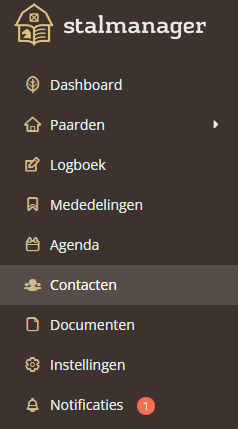
To start adding a contact, navigate to the "Contacts" page via the menu.
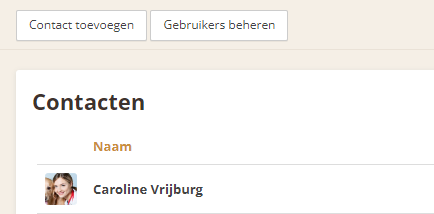
Here you can see an overview of all your existing contacts. If you want to add a new contact, click the "Add contact" button. It is located at the top of the screen.
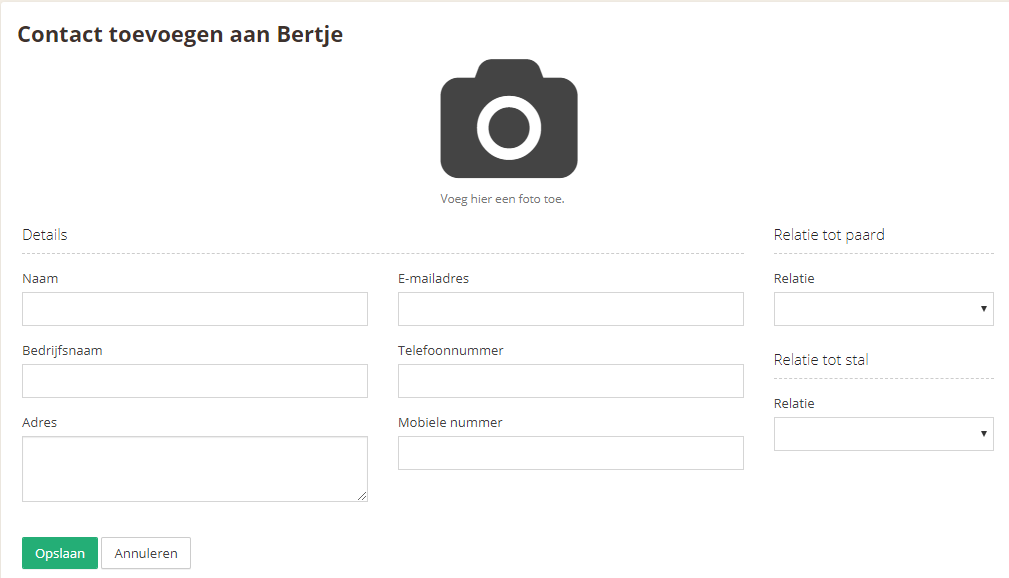
Here you can add the contact. Only the name is required; other information can always be added later. There are several fields:
Name - The contact's name
Company name - The name of the company the contact is associated with
Address - The contact's address
Email address - The contact's email address
Phone number - The contact's phone number
Relationship to horse - The relationship the contact has with the horse
Relationship to stable - The relationship the contact has with the stable
To save the new contact, use the "Save" button.
Unlink contact
You can unlink a contact when it no longer has a relationship with the horse or the stable.
From the horse's record, navigate to "Contacts" and then select the contact you want to unlink from the list of contacts. Click the "edit" button for the relevant contact in the list.
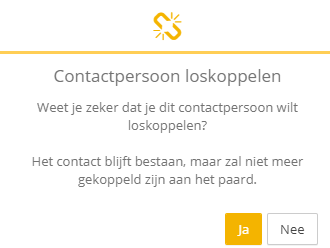
Use the "Unlink" button to unlink the contact. You will be asked to confirm this to make sure; after confirmation, the contact will be unlinked.