

Check-in/out registration
With this feature, you can register a specific horse as present or absent. This allows you to indicate whether a horse is present or absent.
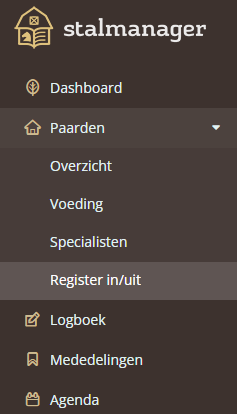
To register a horse as present or absent, navigate to " Register in/out" under the " Horses" tab.
Add movement
To create a new movement, click the " New movement" button.
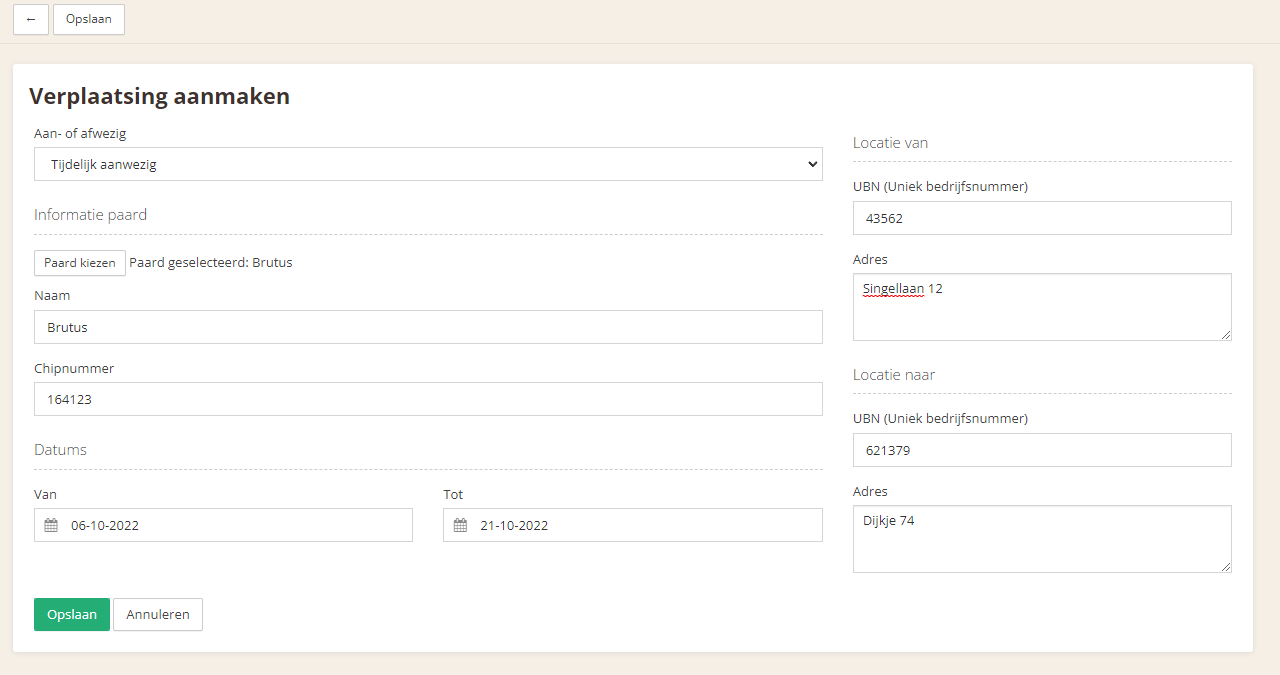
Here you can indicate whether a horse is present or absent, the dates from and to which this applies, and the origin and destination addresses.
Finally, use the " Save" button to save the movement. You can then find the movement in the overview.
Edit movement
To edit a movement, click the movement in the overview.
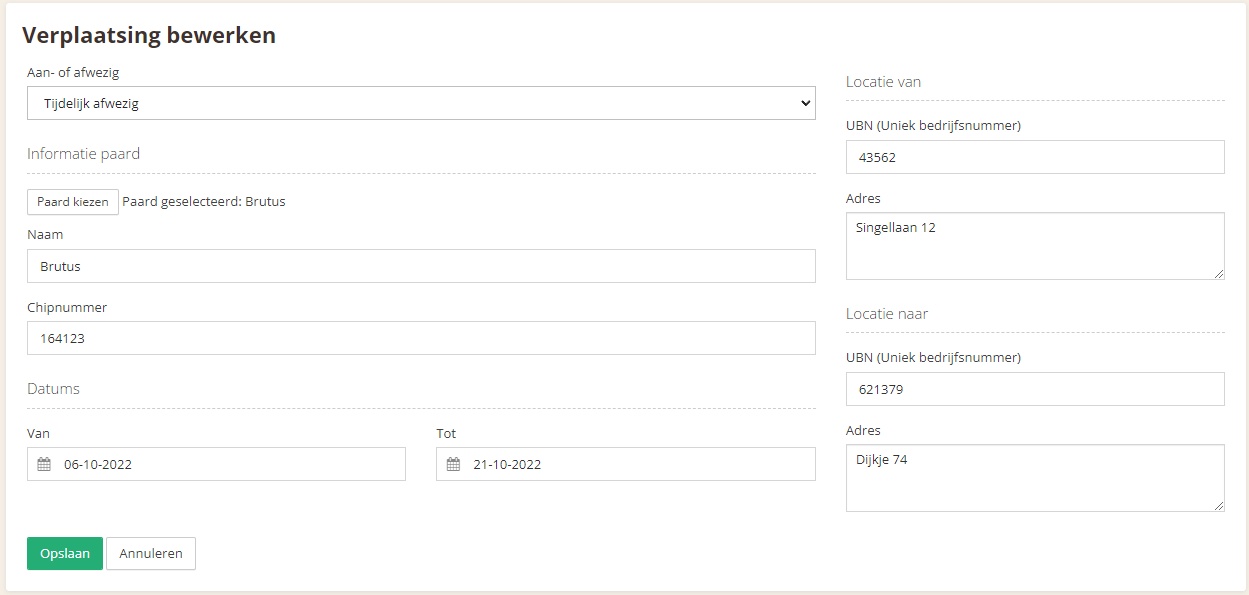
You can then adjust the required fields and save them by clicking the " Save" button.
Was this helpful?
Was this helpful?