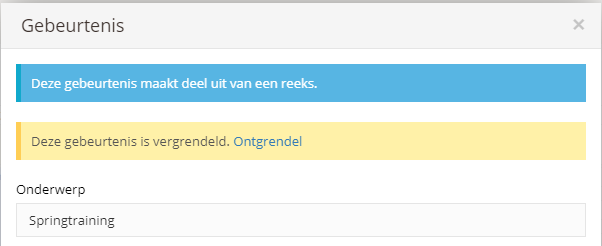

Add an appointment
There are several ways to add a new appointment to the calendar. From the dashboard, go to the calendar and click the "Add appointment" button. You can also click directly on the correct time.
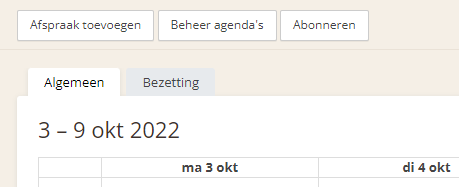
Both methods open the same screen, but with the second method, the day and time are taken from where you clicked.
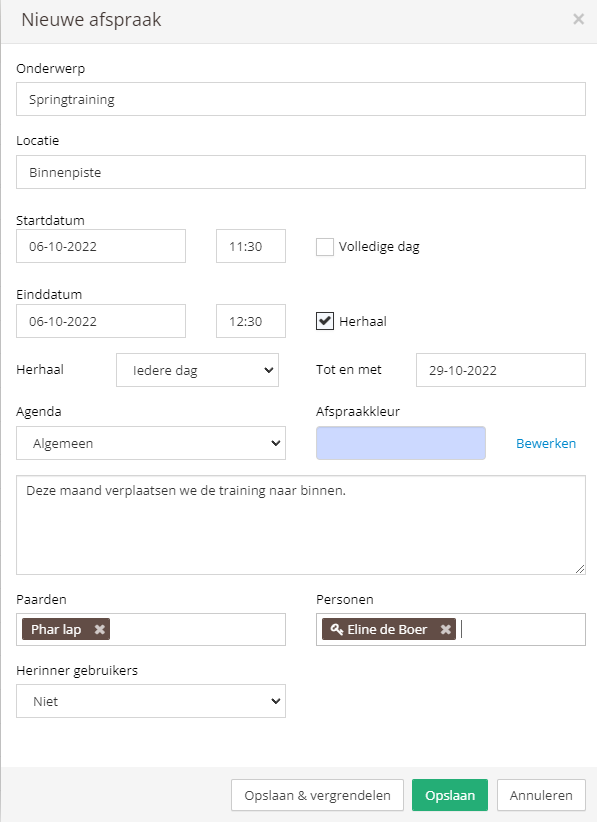
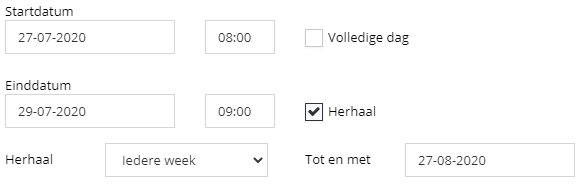
Now enter the details to create the appointment. You can also choose to have the appointment repeat, for example weekly for a month.
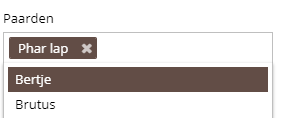
You can also add one or more horses to the appointment. The appointment will then also be shown on the calendars of the added horses.
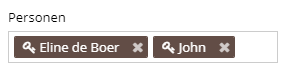
Finally, you can add the people involved. Added stable members (users) will then automatically receive a notification. Stable members are indicated by a key symbol next to their name.
To create the appointment, click "Save" or "Save & lock". If you use the lock option, users will no longer be able to edit the appointment. Only the person who created the appointment, the admins, and the stable manager can edit a locked appointment.