

Editing an appointment
You can edit an appointment by clicking it in the calendar or from the dashboard. When an appointment is part of a series, you can choose to edit the series or just this appointment.
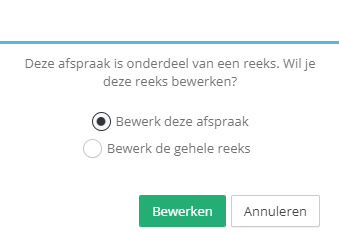
When we choose to edit the appointment, we see the appointment details. Now change the information you want to update and click save.
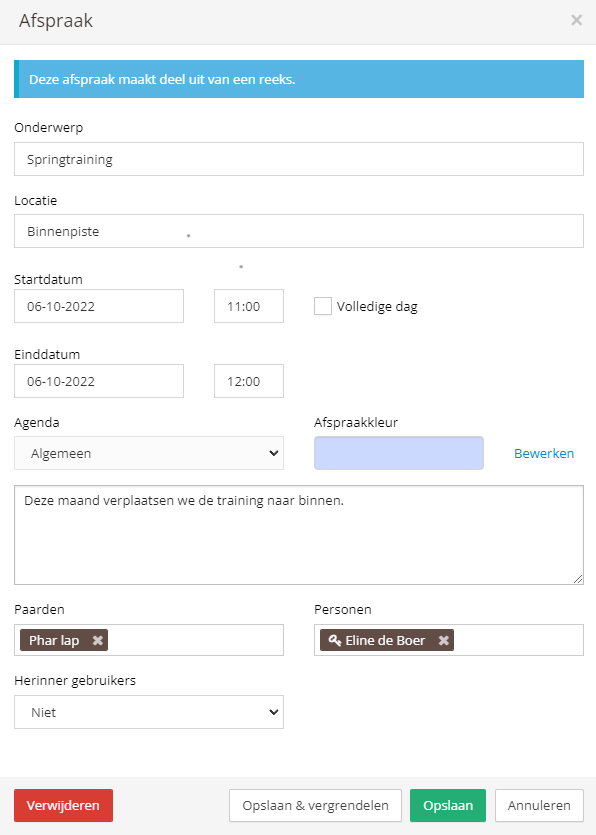
You can also change the date and time this way. If you only want to change the date and/or time, you can also do this directly from the calendar.
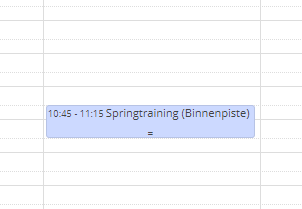
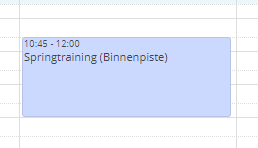
From the calendar, you can drag an appointment to another day or resize it. To make a calendar item longer or shorter, grab the bottom edge with the mouse and drag it down or up.
Was this helpful?
Was this helpful?