
Specialists
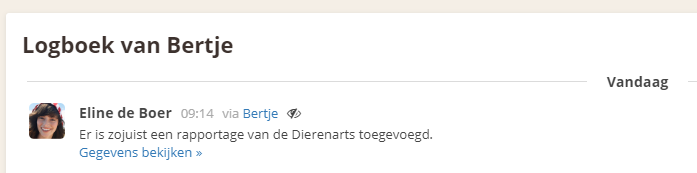
In addition to the regular logbook, there is the Specialists section. When a specialist has visited your horse, you can record the details of the visit here.
To create a new record, go to the Specialists item via the dashboard. Then select the relevant specialist. An overview of previous records will then be displayed.
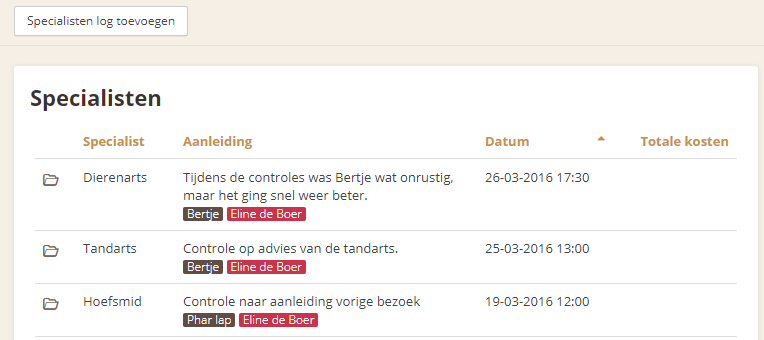
Click " Add specialist log" to create a new record. Then fill in the fields and optionally add attachments, such as photos or documents. Also select the people who were present, so you can remember later who attended the visit.
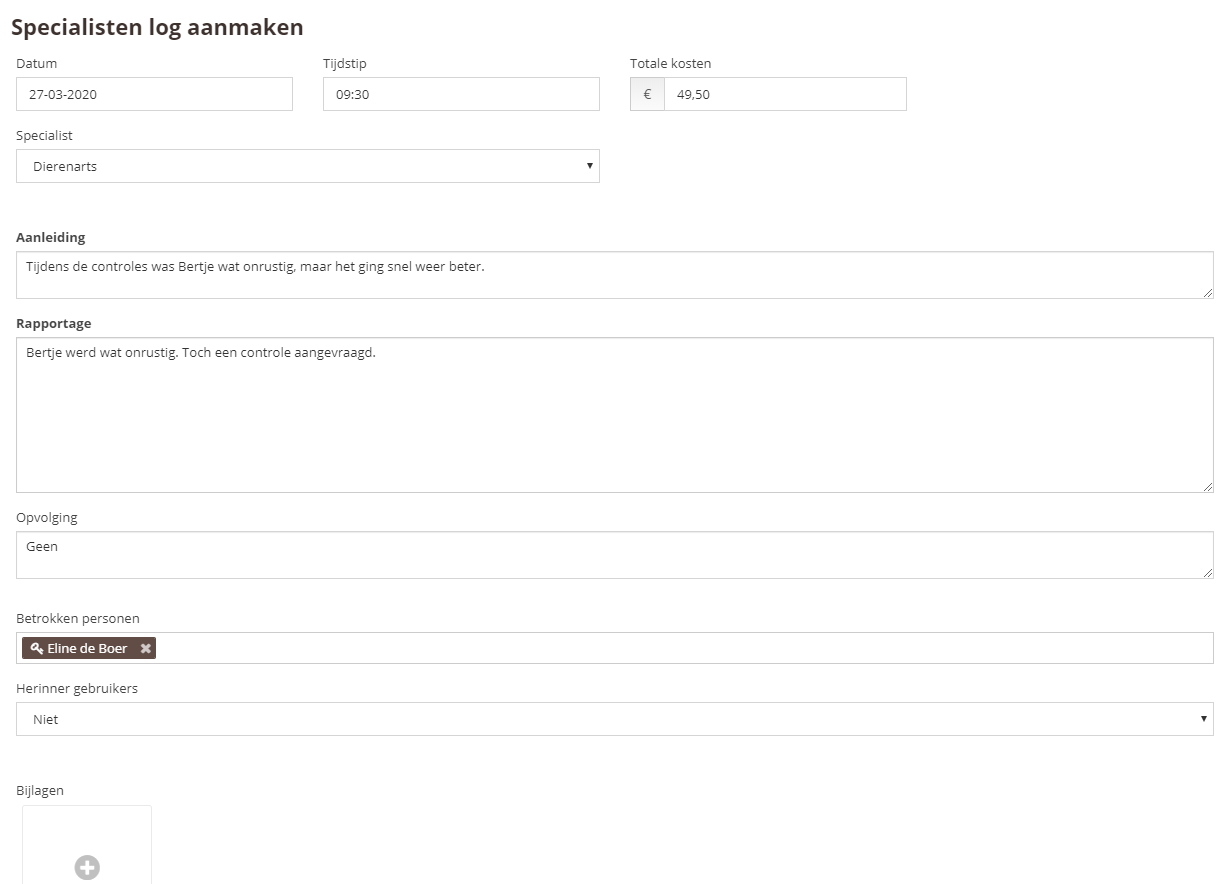
Click the " Save" button to save the record. The record will now be added to the overview. A message will also automatically be added to the horse's logbook, so the visit can be reviewed later in the horse's file.
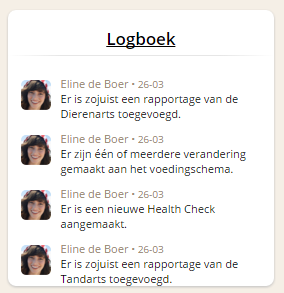
It will also be visible in the logbook as usual.