
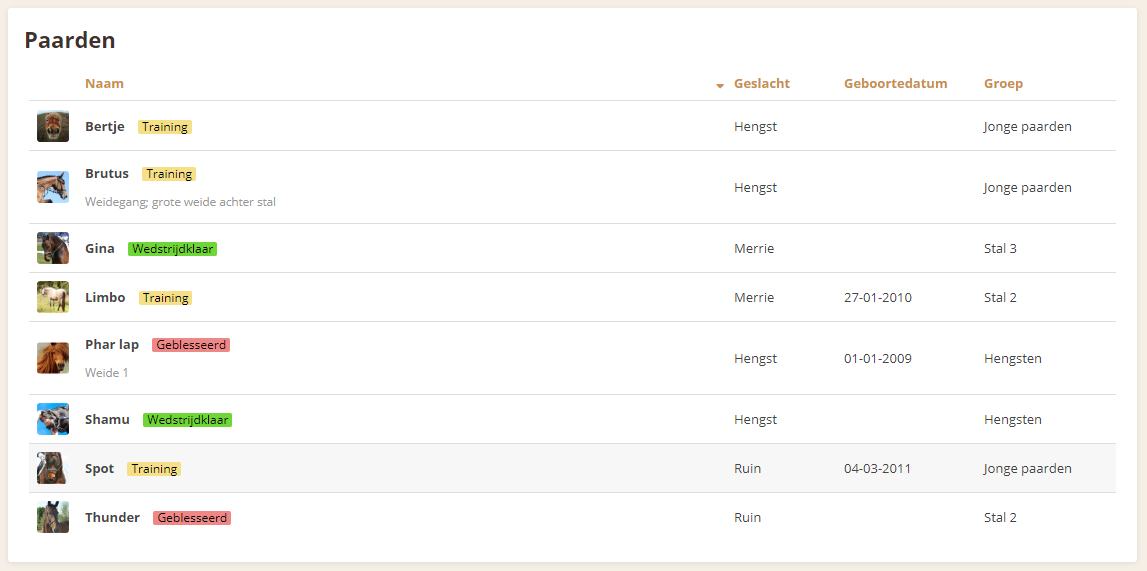
Add a horse
The button " Horses" is visible in the menu. This takes you quickly to an overview of all your horses in the stable. You can add a horse by clicking the " Add horse" button from the overview.
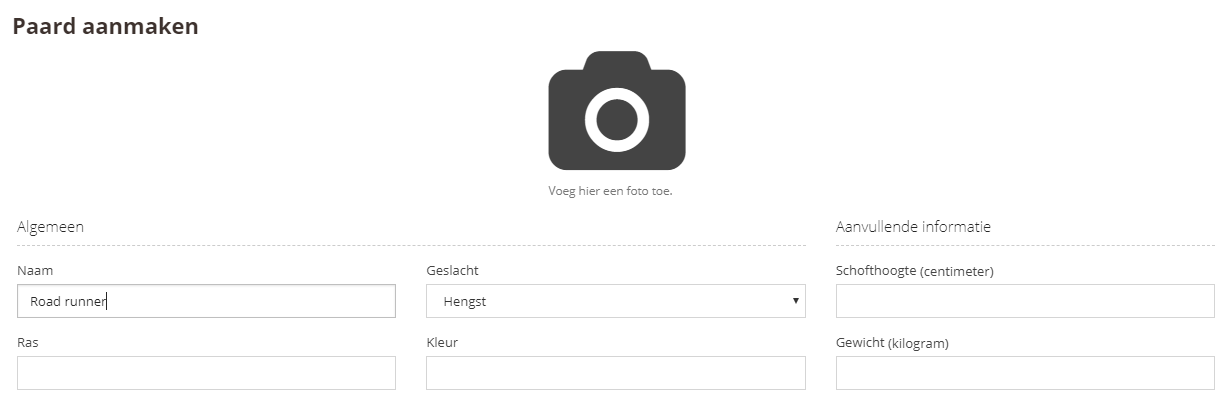
The screen then displays a new horse record. Enter the horse's name. Only the name is required, so you can save it now if you wish.
Of course, you can also fill in all the fields right away, so that the horse's information sheet immediately contains all the information. You can also add a photo of the horse by clicking the photo icon.
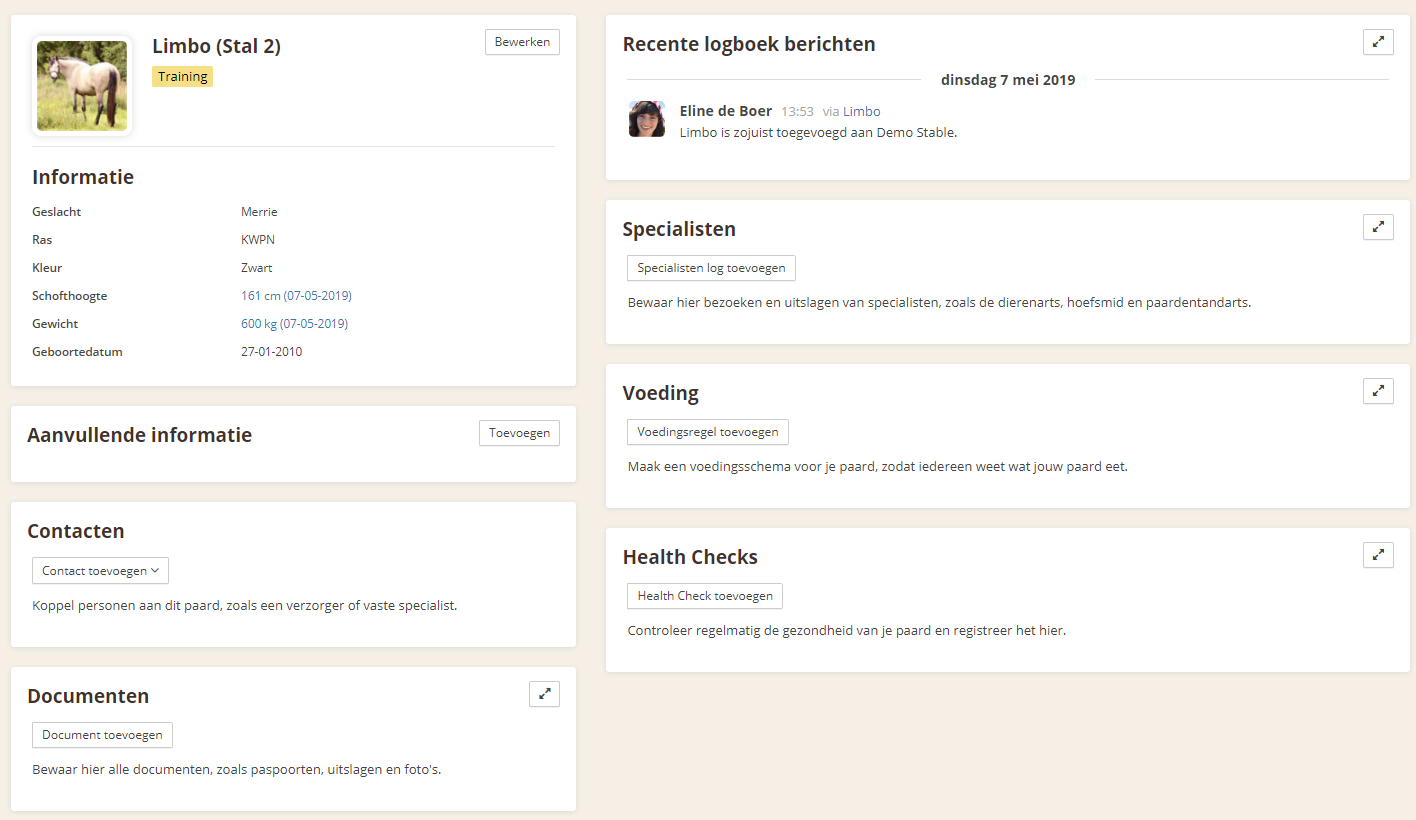
After saving, you can still make changes to the horse's record if needed. To open the horse's record, click the horse in the horse overview. When you are in the record, click the " Edit" button next to the horse's name to change the horse's information directly.