
Posting messages
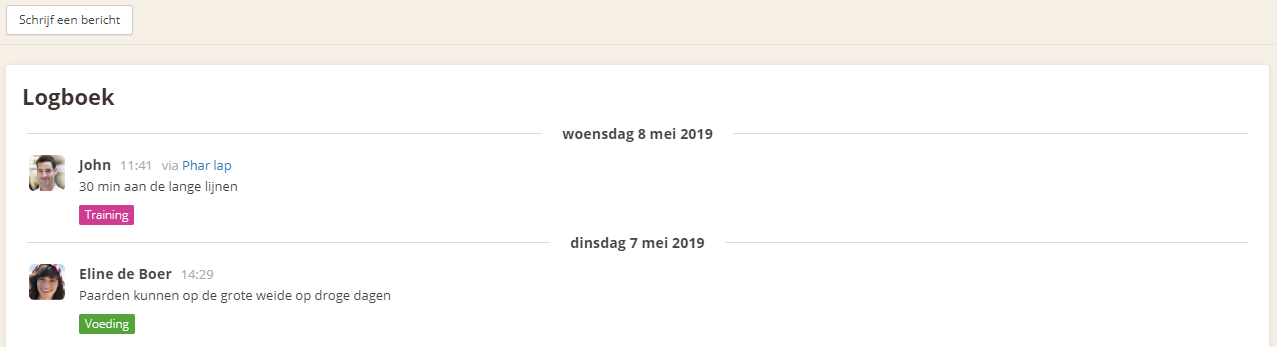
To post a message in Stalmanager, go to the stable's Logbook or access it through a horse's Logbook. Click on "Write a message" and start typing.
Click on "Select a category" and select a category to place your message in the category of your choice.
Click "Select a horse" to link one or more horses to a message.
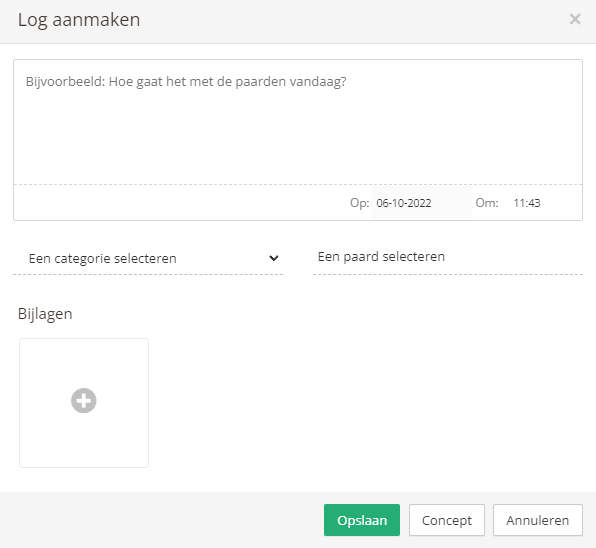
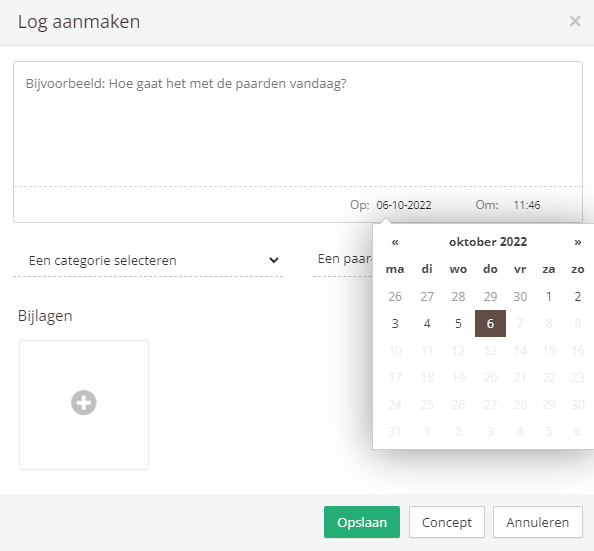
To post the message immediately, click "Save". By clicking the date, you can choose to post a message for a past date. For example, if you want to add a feeding shift or training session from the previous day, or a farrier visit from the previous week.
If you click "Draft", the message is saved temporarily. The next time you want to create a message, a new link will appear at the top of the window.

Clicking this link reopens the old message you were previously working on. If you click "Draft" again, the message is saved temporarily again, and if you click "Save", the message is saved and posted immediately.
After being posted, your message is immediately visible in the logbook and on the dashboard. If you want to make a change, you can do so by clicking the log.
The same screen appears, giving you the option to edit or delete your message immediately.
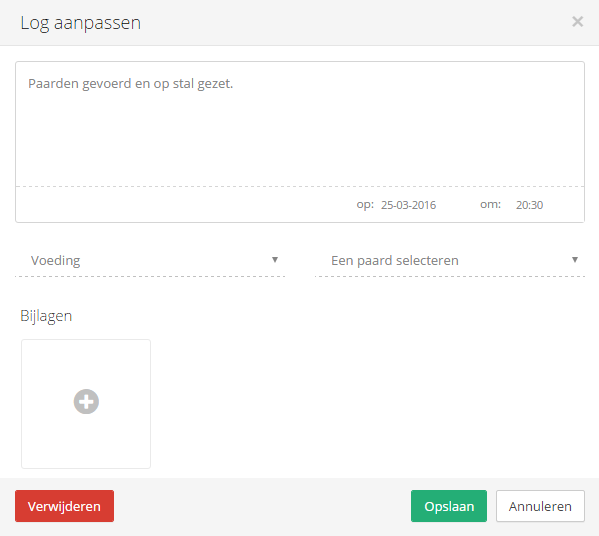
Make your changes to the message and save it again. Your message has now been updated.
Search messages
You can easily search for messages from the past.
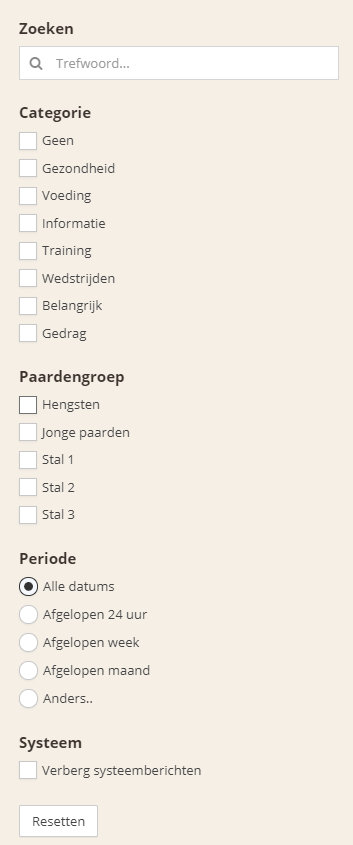
Use the filters on the right side of the page.