

Update profile
Make Stalmanager more personal by adding personal information to your profile!
To start editing your profile, click your name.
Next, navigate to "Settings".
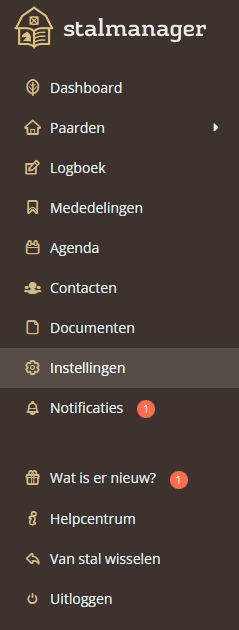
Under "update profile", you can change all your information. You can also choose a photo or another image as your profile picture. This photo will be visible with your posts, making it easier for others to recognize your posts.
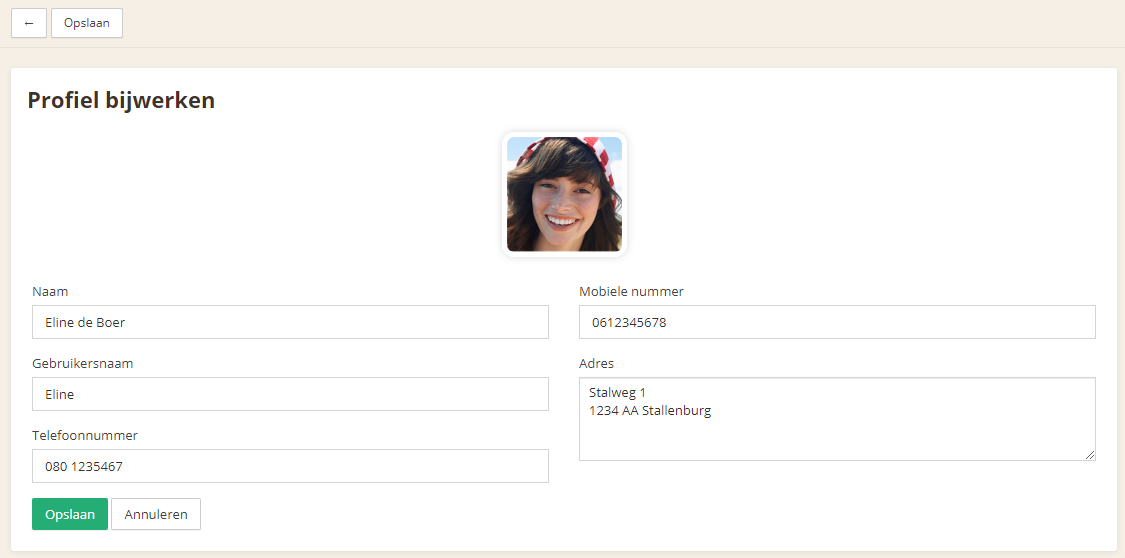
You can also change the automatically assigned username here. Other users can send you notifications using your username.
Use the "Save" button to save the information.
Was this helpful?
Was this helpful?